On this page
Gripping force is the normal force the gripper applies to the part through its fingers. It is the single number most often quoted in a gripper specification — and the one most often misinterpreted.
A gripper that holds a part perfectly on the bench can drop the same part at full arm speed. That gap between the specified force and the force actually needed is where most handling problems begin.
What gripping force actually describes
Gripping force, also called clamping force, describes how hard the fingers press against the part. It is generated by the drive and transmitted through the fingers, so the number on a datasheet describes the mechanism, not necessarily what the part experiences.
Three things sit between the specification and the part:
- Finger geometry. A flat pad spreads the force over a larger area than a narrow contact point. The total force can be identical while the local pressure is very different.
- Contact material. Hard pads transmit force directly. Compliant pads absorb part of it and distribute the rest.
- Number of contact faces. Two fingers load two faces; three fingers spread the same total force across three.
This is why two grippers with identical force ratings can perform very differently on the same part. The mechanism sets the available range, but the type of gripper decides how that range is delivered to the part.
Why the static force requirement is not enough
The load a grip has to resist is not the part’s weight. In a moving robot cell, several loads add to it:
| Load | Where it comes from | Why it matters |
|---|---|---|
| Static weight | The part’s own mass under gravity | The baseline, and usually the smallest term |
| Acceleration and deceleration | Robot motion, especially short fast moves | Can exceed the static load several times over |
| Direction change | Cornering and rotation of the wrist | Loads the grip in a different direction than gravity |
| Vibration | Machine vibration or a flexible arm | Causes slow slip that is easy to miss |
| Process force | Insertion, pressing, or a downstream operation | Adds a force the gripper was never sized for |
The practical consequence: force should be sized against the worst moment of the cycle, not against the pick-up position where the part is easiest to hold.
Friction decides whether force works
A grip holds a part through friction between the finger and the part surface. The force required to prevent slip is therefore tied to the friction available, not only to the part’s weight.
Friction drops when:
- The surface is oily, wet, or coated
- The part is polished or has a low-friction finish
- The contact pads are worn or glazed
- Contact pressure is high enough to deform the surface and reduce the effective contact
This is the reason a part can be gripped reliably for months and then start slipping without anything in the program changing. The pad wore, or the surface finish of the incoming parts changed.
Contact area: more is not automatically better
Increasing contact area usually increases the holding capability, because friction acts over a larger surface. Increasing contact pressure without increasing area does not help in the same way, and it risks damaging the part.
| Situation | Better direction |
|---|---|
| Part is hard, surface is not sensitive | Higher force or harder pads are acceptable |
| Part surface marks easily | Larger contact area at lower pressure |
| Part is slippery but strong | Higher force plus a shaped or textured pad |
| Part deforms under load | Reduce force, increase area, or add a support |
| Part is round | Shaped or V-groove contact rather than flat pads |
How much margin to allow
Every real installation needs margin, because friction varies with surface condition, pads wear, and parts are not perfectly identical.
A margin is applied for four reasons:
- Surface variation. Incoming parts differ in finish, oil, and temperature.
- Wear. Contact pads change over their life and so does the effective grip.
- Measurement uncertainty. The calculated requirement is an estimate based on assumptions about friction and acceleration.
- Unexpected loads. A jam, a collision, or a slow cycle produces loads the normal cycle does not.
What matters is that the margin exists and that the part’s own limit is respected. If the required force approaches what the part can tolerate, adding force is the wrong answer — the contact design needs to change instead. For large or heavy workpieces the constraint usually shifts from contact design to gripper class, which is why heavy-load electric grippers are specified differently from compact ones.
Verifying force in practice
The force a gripper actually delivers is worth checking, particularly after a pad change or a maintenance event.
- Commanded versus actual. The value set in the program is a command. The value delivered depends on the mechanism and the pads.
- Load cell method. Measuring the force directly between the fingers gives the most reliable reading.
- Indirect method. Checking whether the fingers reach the expected position on a known part confirms that the grip is behaving consistently, even if it does not measure force directly.
- Repeatability check. Measuring the same grip several times shows variation, which is often more important than the absolute value.
Recording these readings gives a baseline. When a handling problem appears later, the comparison answers whether the gripper changed or the parts did.
How to state a force requirement in an RFQ
| Item | What to write |
|---|---|
| Part mass | Actual mass, plus the range across batches |
| Motion | Whether the part is lifted, moved horizontally, or rotated, and how fast |
| Surface | Material, finish, and whether it is oily, wet, or coated |
| Contact | Where the gripper may touch, and the condition of that surface |
| Force limit | The maximum force the part tolerates, if there is one |
| Process loads | Any insertion, pressing, or downstream force the grip must resist |
With these inputs a supplier can propose a range rather than a single figure, and can flag where the requirement is close to the part’s limit. The full sequence, including stroke and robot compatibility, is covered in how to choose an electric gripper for a robot arm.
Common mistakes
- Sizing force from part weight alone. The dynamic load is usually the larger term.
- Treating the datasheet value as the force on the part. Fingers and pads change what the part actually feels.
- Assuming friction is constant. It changes with surface condition and with pad wear.
- Adding force to solve a slipping problem. If the part is being damaged, more force makes it worse.
- Never re-checking after maintenance. A pad change can alter the effective grip more than expected.
Frequently asked questions
Is gripping force the same as clamping force?
In most supplier documentation the two terms describe the same thing: the force the fingers apply to the part. Some suppliers distinguish total force from force per finger, so it is worth confirming which convention a datasheet uses before comparing numbers.
How do I know if my force is too low?
The most common sign is a part that shifts slightly in the fingers, or slips during a fast move rather than being dropped outright. Position feedback helps here — if the fingers close further than expected on the same part, the grip is losing contact.
Can I always solve a weak grip by increasing force?
No. If the part surface is being marked, or the part deforms, more force makes the problem worse. The usual fix is a larger contact area, a shaped contact, or a different pad material at the same force.
Does a higher force rating mean a better gripper?
For EPG2-100-50, request the documented force-adjustment range, minimum setting and measurement conditions before assessing delicate-part handling. Check force repeatability with the proposed fingers and workpiece.
Should force be the same for every product on a line?
Usually not. Different parts have different masses, friction, and surface limits. Programmable force exists because one setting rarely suits every product, and running everything at one conservative value often reduces throughput or grip reliability.
Need help selecting a gripper?
Send your part drawing, robot model, required stroke, clamping force, country, and quantity for a practical model shortlist.
Image reference
Compare model force ranges
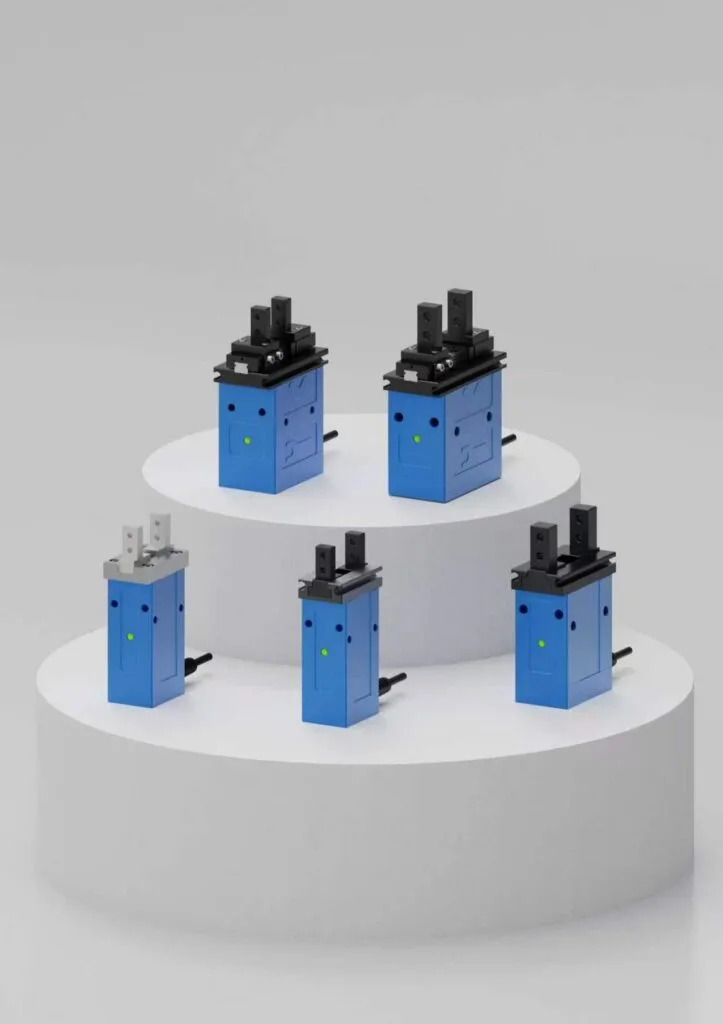
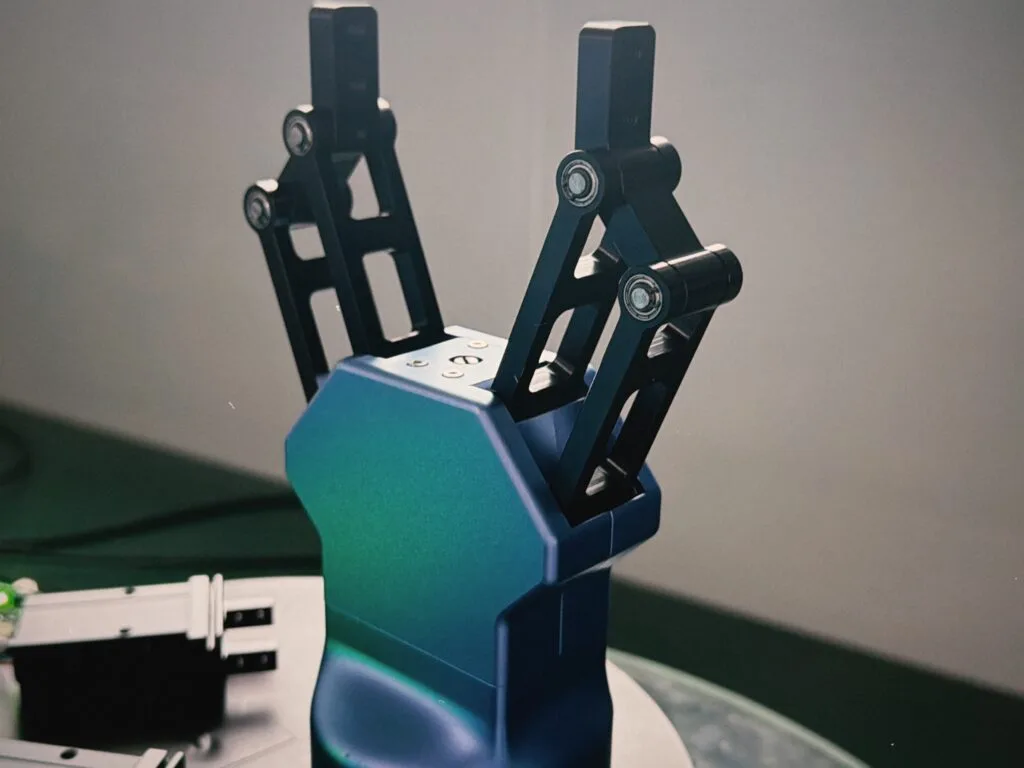
Review EPG2-100-50 at 15–50 N and EPGC-50-150 at 40–150 N. Check the finger length and contact material before final selection.